Protect Yourself from Scammers
I promised I would write this for you so that you won’t have to worry about getting your money stolen and be safe from identity theft.
This is completely free and will take maybe 20 minutes to set up.
I think you should follow the steps and freeze your credit immediately if you haven’t already because there’s so much fraud going on nowadays.
Did you know that someone only needs your name, birthdate and social security to open a credit card under your name. or take out a loan?
Pretty crazy right?
Freezing your credit makes you much less likely to getting scammed because it’ll block the process.
All lenders want to pull your credit score before they give you a loan or let you enter into a financial contract with them. They will require you to unfreeze your credit to process the any paperwork and that requires your manual intervention.
So lets get right into it.
You will need to create 3 free accounts, one with each credit bureau. Within each account you will then freeze your credit.
I’ll show you the steps to thaw your credit at the end of this article so that you can apply for credit cards and take out loans when you actually intend to.
TransUnion
Go to https://www.transunion.com/ and make an account
Use the Sign Up for Free button on the upper right of the page
Follow the form to create an account.
Click on Credit Freeze and freeze your account
Don’t worry, this won’t affect your credit and you can always unfreeze it
Experian
Got to https://www.experian.com/ and click on Sign In
I don’t see a Sign Up button so clicking on Sign in will get you to a page where you can sign up.
Again, make sure you’re creating a FREE account. You don’t need to pay for any of these accounts
Follow the form to create an account.
I think Experian tries to sign you up for a free trial for additional privacy but I just skip that. I don’t use any of the paid services.
If you sign up for the free trial you’ll likely forget and get billed, just a fair warning.
You’ll have to scroll down to the Freeze Credit Score section on the home page
I know, it’s a bit hard to find. But once you find it you just click the button to freeze your file and you’re all set.
Equifax
Go to https://www.equifax.com/ and create a FREE account.
You can click on the Sign Up button on the front page
Fill out the information to create an account.
Once you’re in you should see a Freeze tab on the left sidebar
Click on that to freeze your account.
The setting to freeze your credit is pretty easy to find on TransUnion and Equifax, it’s just a bit more annoying on Experian.
Now that you have accounts on all 3 credit bureaus, managing your credit is fully under your control, for the most part.
You can log in whenever to see your credit score (if they provide it on their website for free). It seems like only Experian provides it for free on their free account.
You get one free credit report from each credit bureau a year and that’s all I need so I don’t pay for any of their services.
The only thing I do with these accounts is scheduling a credit freeze thaw every time I apply for something financial and they need to pull my credit.
Unfreezing
Whenever you need to unfreeze your credit just log into each of the credit bureau websites.
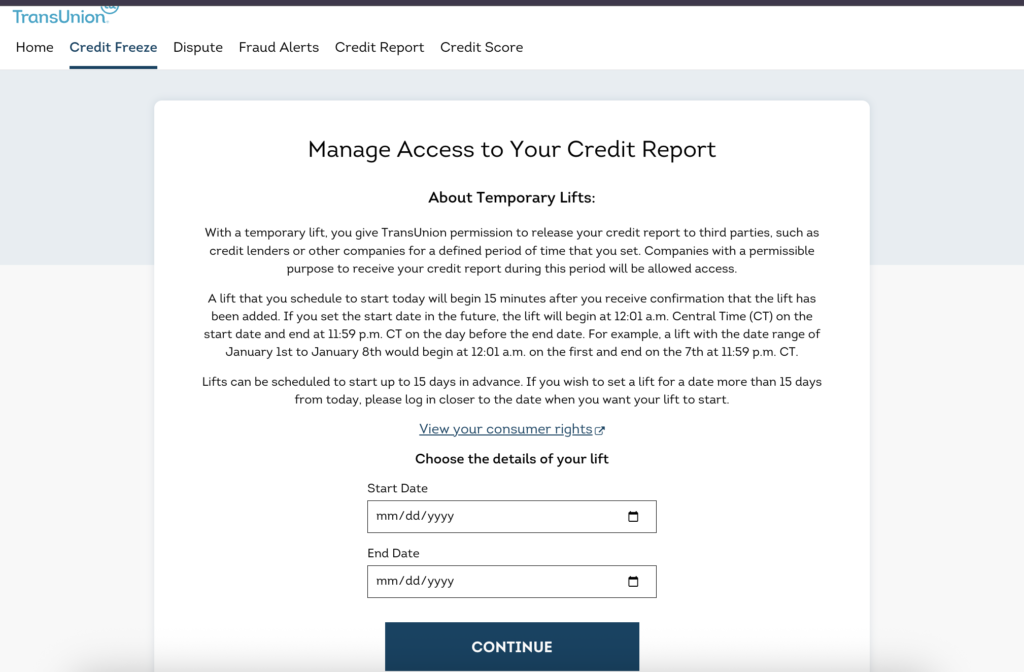
You want to always schedule a thaw for a date range.
I find that it’s easier to set it to thaw from Today (the date you log in to unfreeze) until 3 business days later. That will give whoever needs to pull your credit enough time and then it’ll automatically freeze again.
This will make sure that your credit goes back to being frozen which is the whole point. If you choose to unfreeze rather than scheduling a date range, you’re likely going to forget about logging back in to freeze it again.
For TransUnion the unfreezing looks like this:
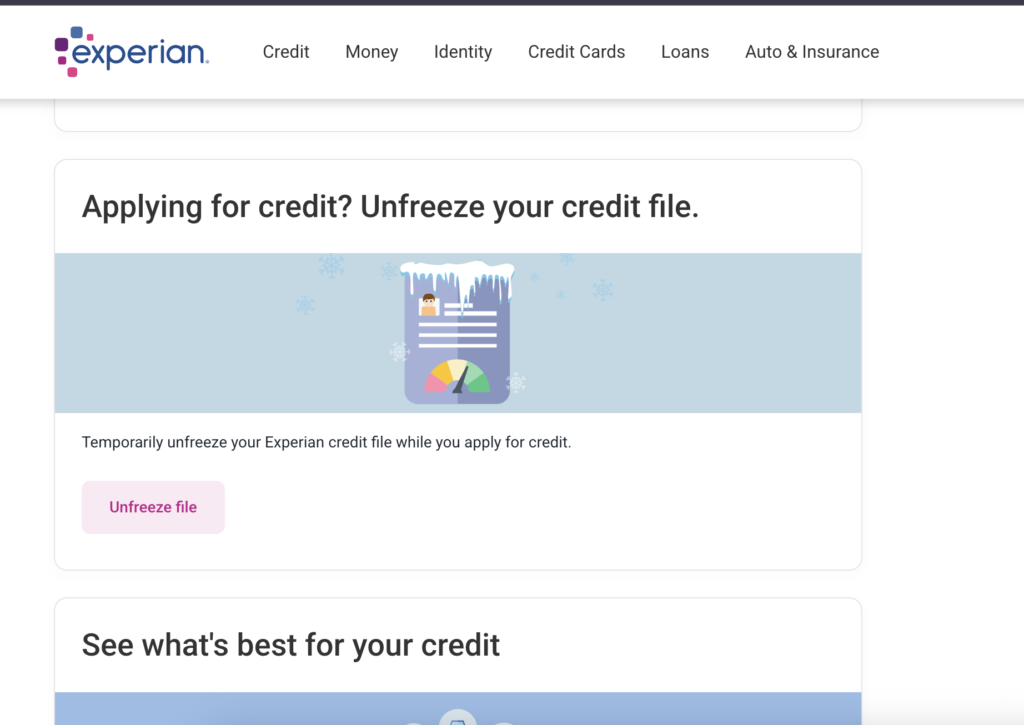
For Experian you can find the unfreeze here:
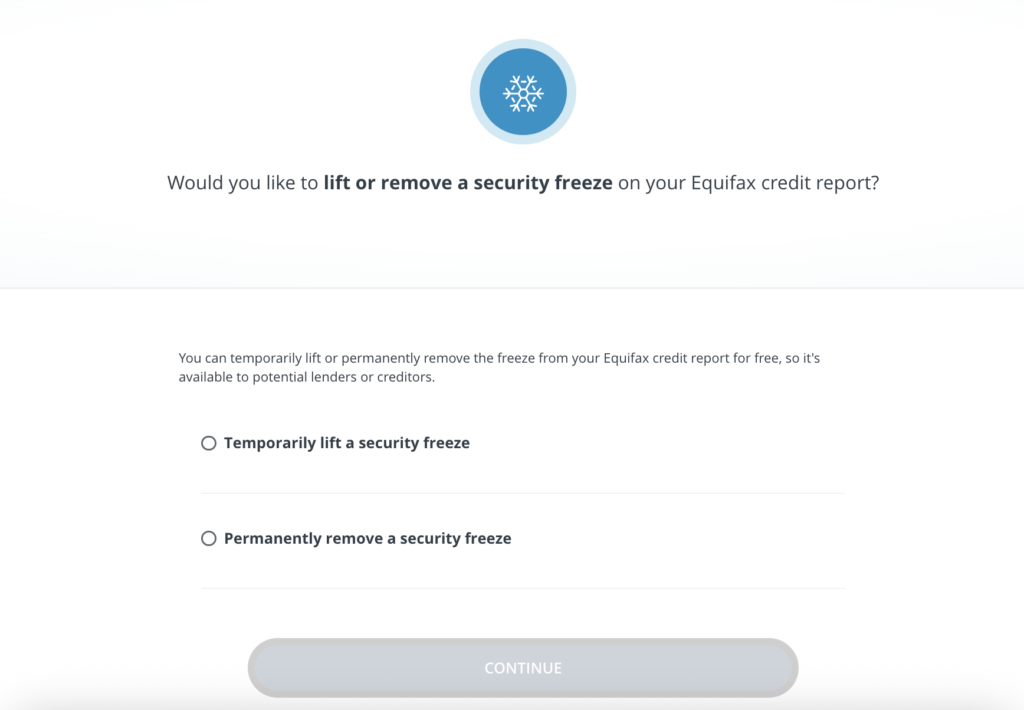
For Equifax you go to this screen to unfreeze your credit: